
Upgrade CP1L-USB to CP1L-Ethernet or CP2E for Future-Ready Performance
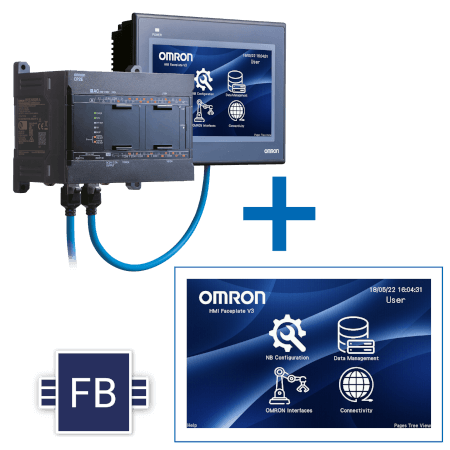

Ethernet Model enhances remote and HMI connectivity
In the CP1L-E model, the USB port for programming is replaced by an Ethernet port.
Ethernet connectivity allows for connection to the CX-Programmer, data exchange with OMRON PLCs, and connection with HMI Ethernet models.
Increase flexibility in your configuration and reduce number of Items
CP1L-E Offers and an Analog input 0..10V with higher resolution adding more flexibility at the solution to replace the Analog trimmer for fine tune setting present in CP1L USB Type.
CP1L-E offer Extended Function Block Memory (10 KSteps). FBs programming simplify programmability end increase reusability of part of the PLC project.
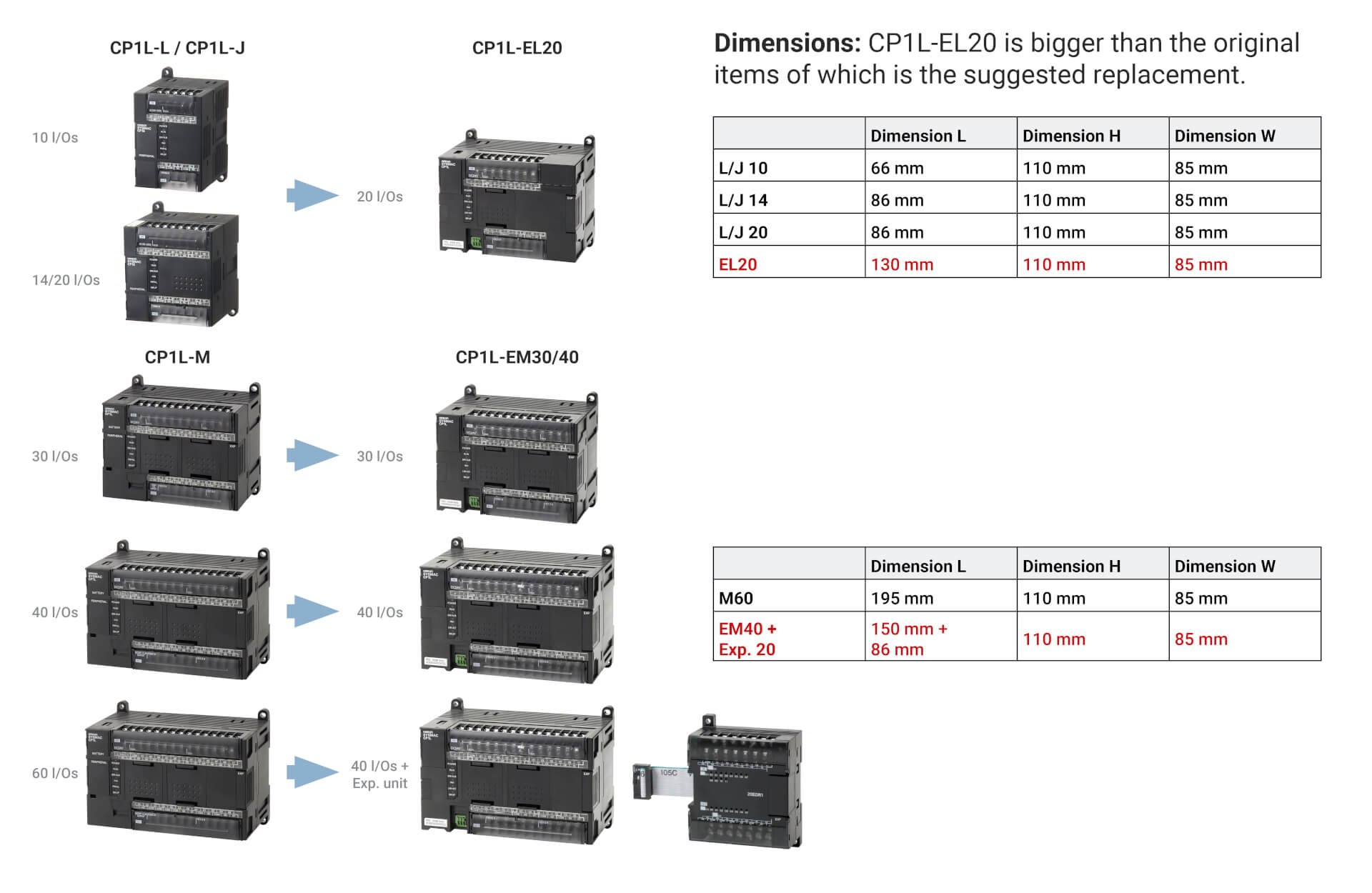
STEP 1: Select the right product. Check space in the cabinet
Download comparison table with all the details
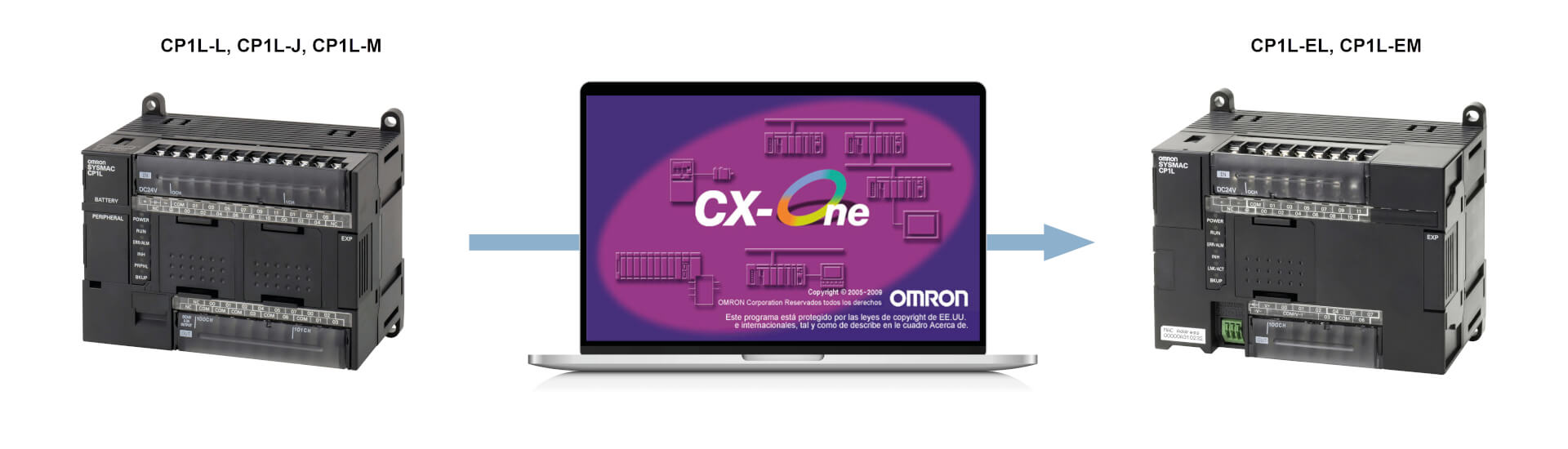
STEP 2: Convert the project: CP1L-Ethernet Model is Fully backward compatible with CP1L-USB
Start using CP1L-E today.
Migrating from CP1L-J, CP1L-L, and CP1L-M to CP1L-EL and CP1L-EM is straightforward and can be completed in just a few steps. You can convert the uploaded CP1L program to CP1L-E with a single click.
The CP1L Compact Controller is fully backward compatible with the CP1L-E controller, and the CX-One software makes it easy to upgrade your automation with minimal effort.
To make the conversion:
- In CX-Programmer, change the PLC model of the CP1L user program from "CP1L" to "CP1L-E".
- Set the CPU format.
The conversion will be done automatically!
STEP 3: Check wiring in case you are using transistor Outputs
STEP 3: Check wiring in case you are using transistor Outputs
This applies only to CPUs with Transistor Outputs (T and T1 models), where there is a difference in the number of commons available for load separation.
Additionally, a slight change in wiring is required, as extra terminals are used to supply power to the I/O electronics, allowing separation between CPU power and I/O power.
STEP 4: Add in your configuration an S8VK power supply
STEP 4: Add in your configuration an S8VK power supply
To standardize the solution and reduce the number of Items, the CP1L-E model is only powered at 24 Vdc power supply. If the original item you are using is powered at 220 Vac, you need to include an S8VK 24V power supply in the configuration to power the CPUs, and sensors only if the 24V auxiliary power supply output available on 220 Vac models was utilized.
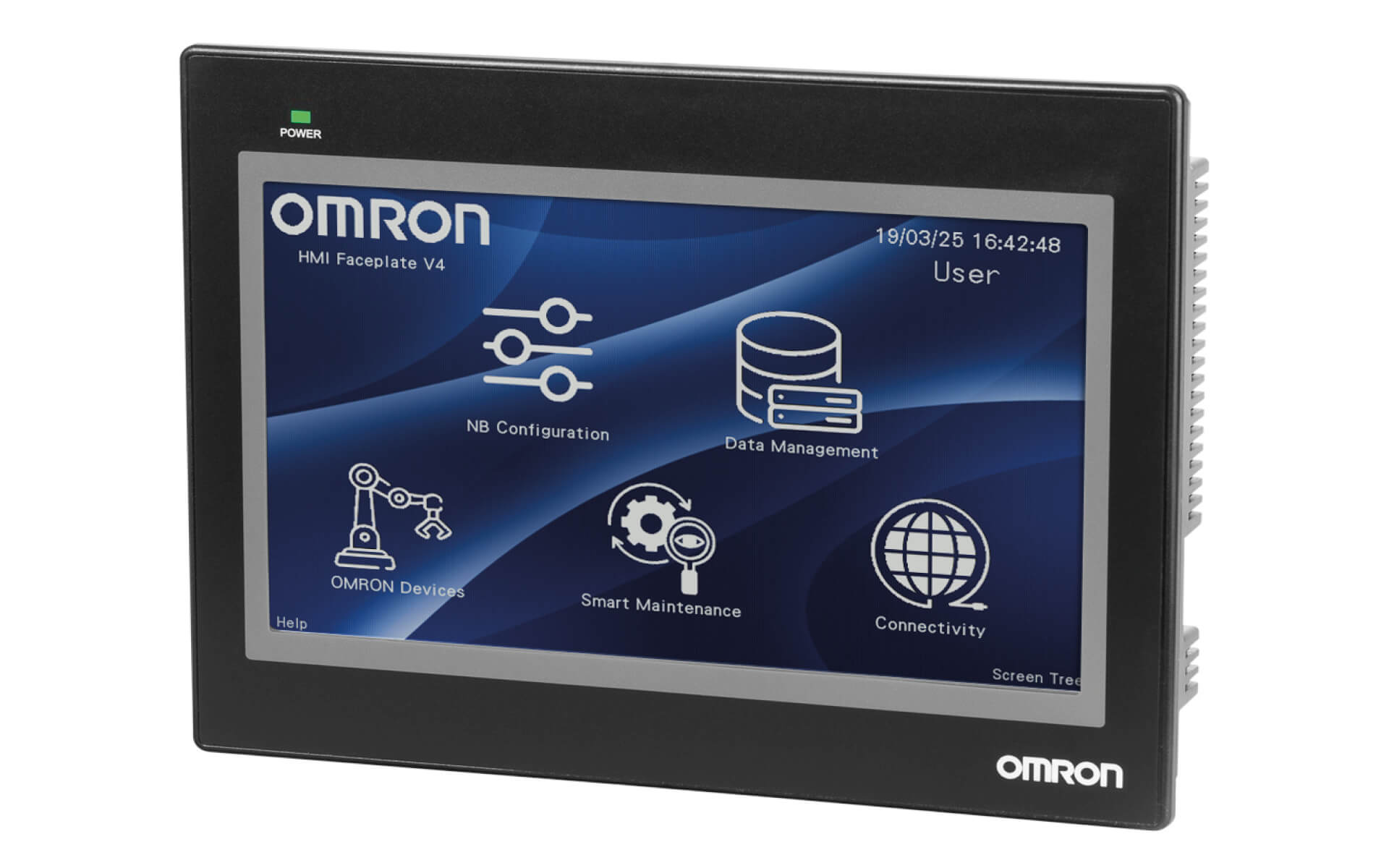
Get advantages in the conversion asking for NB HMI Ethernet Model.
Get advantages in the conversion asking for NB HMI Ethernet Model.
Faceplates for HMI
- Getting started Project
- Connect & monitor devices: inverters, PLCs, safety controllers & robots
- Recipe page, Store data on USB key
- Connectivity (FTP, VPN configuration)
- Alarms and events example
- And much more
Related products
-
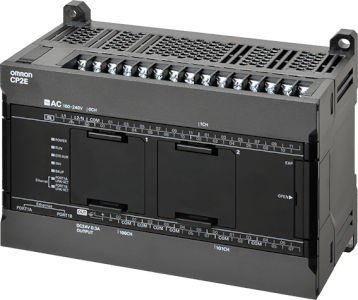
CP2 Series Compact Controller
-
Ideal HMI for Compact Automation
-
Compact in size, powerful in functionality